After you change a flow on the canvas, one save writes it to this machine. To hand it to someone else to run, and keep them from changing the steps, export the root flow as .spk.
From EC iOS 10.6.0 (2026-09-02), the AI agent is called iEasyRun, at https://ieasyrun.com . Enter the editor from Workflow editor at the top.
Save
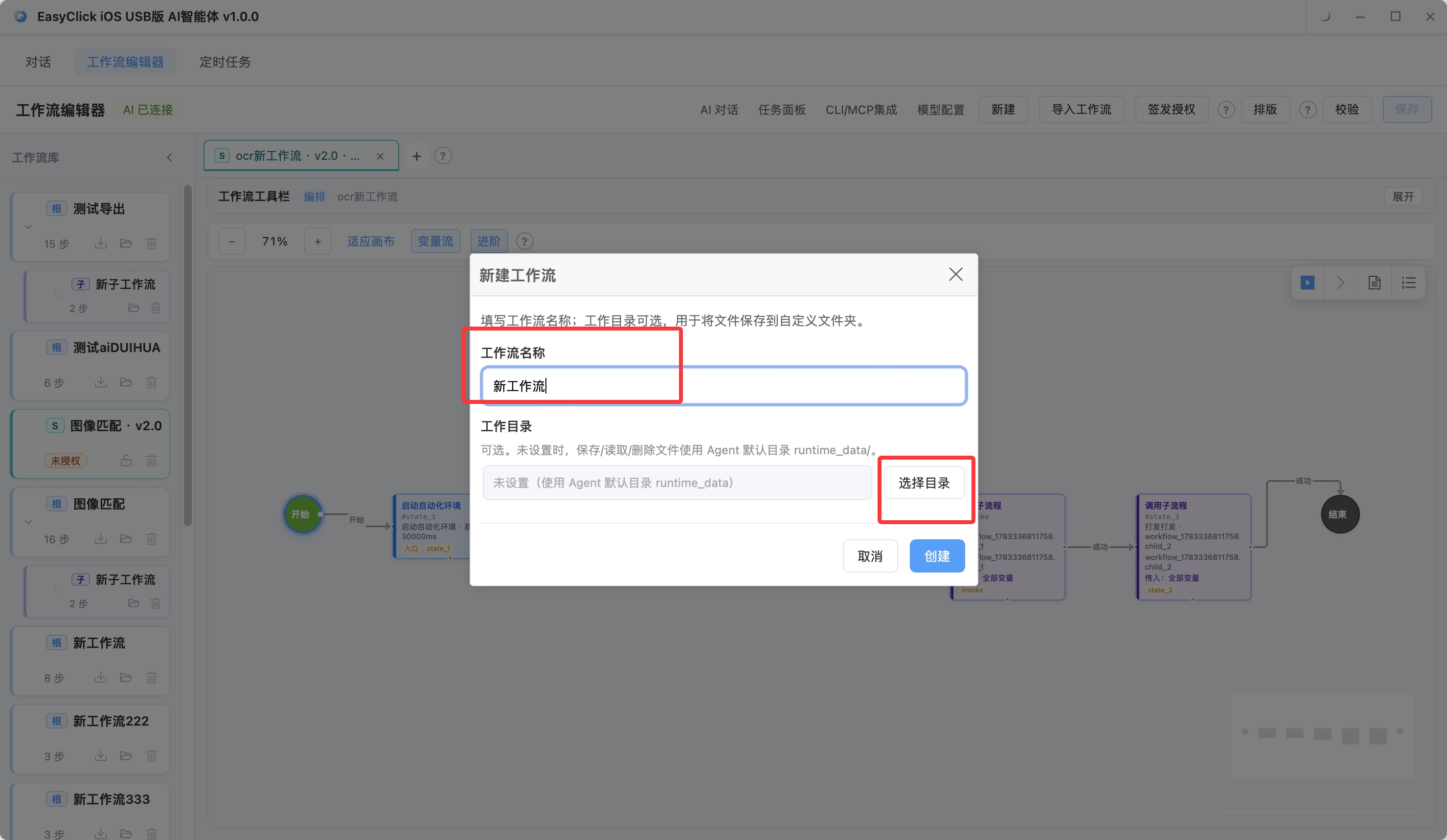
New on the top bar asks for a name. Writing uses the Save button, or Ctrl+S. On a Mac that is Cmd+S.
Before saving you can tap Validate and see missing fields and misconnected lines. Layout only tidies the positions on the flowchart. Saving stays a separate step.
Settings include Auto-save when switching tabs. With it on, moving to another flow writes the current one first. With it off, press Save yourself before you switch.
The library on the left is a tree. The root is a main flow that can run directly. Sub-flows are indented underneath. Tap a name to open it for editing. An item marked 「密」 is an imported read-only package. It cannot be edited as plain text.
Export .spk
.spk packs a finished workflow. The recipient can run it and test-run it. They cannot view or change the flow details, and they cannot save it as a plain-text workflow.
Export only a root workflow. Find it in the library on the left, hover, tap the download icon, or follow the dialog. Export closure preview in the dialog lists which sub-flows and which template images went into the package.
The export password is at least 8 characters. A password hint is optional, for example who the recipient should ask. Leave the password out of the hint. Export zip is optional: inside are the .spk and 导入说明.txt, and the notes text leaves the password out.
Send the file (.spk or zip) and the password separately. Keep them out of the same forwardable email. This machine records recent export history. The password backup sits in the current Agent data directory, and it is only for recovery on this machine. The product cannot recover the password from the recipient.
The recipient uses Import .spk on the top bar, or taps upload in the workflow library on the AI chat sidebar, picks the file, and enters the import password. On success, a read-only flow marked 「S」 appears on the left. Test runs and task runs still need the matching .spl commercial license imported. Plain-text flows you wrote yourself skip that license.
About EasyClick: A mobile automation script development platform covering three phone ecosystems: Android without root, iOS without jailbreak, and HarmonyOS. It also offers Apple script writing, Apple cluster control, Android cluster control, remote cloud control, and AI phone cluster control. → Explore all products
Ready to build it for real?
Every approach in this article can be built with EasyClick capabilities on iEasyClick — full documentation, developer tools and automation products, free to try.