Last month on a client site, A Kai stopped at the seventh Short. He could not remember which of the first six had a first comment, and which had gone into a playlist.
He runs three YouTube channels. Nine to twelve Shorts go out every day. After each one, he still adds a first comment, pins it, and files it in the matching list. Nine videos alone are eighteen follow-up actions.
Close-out is what wears people down. Upload is the lighter half.
Apple cluster control can take this kind of repeated action. One computer manages many iPhones together, with no jailbreak and no plugin installed. Devices carry out actions through external input injection.
Prepare the day before upload, and confirm as soon as it publishes
Shorts look at duration, aspect, and the upload entry. A video uploaded on the web does not necessarily follow the same classification path. The phone is more direct.
The entries for the first comment, the pin, and the playlist also differ. Since the follow-up actions are on the phone, do not split one flow across two ends. The rule has changed several times, and the specific duration ceiling follows the current official wording. Use a shorter vertical spec for the assets. Do not sit on the ceiling.
A Kai splits the work into three stages: prep, upload, and confirm. The day before, on the computer, he organizes the vertical video, cover, title, description, and hashtags. The phone only publishes. It does not hunt for files on the spot.
Three channels become three groups. Each group gets a time window. Do not keep the same channel signed in on several devices at once. Different channels can sit on one central control for scheduling, as long as the devices stay separate.
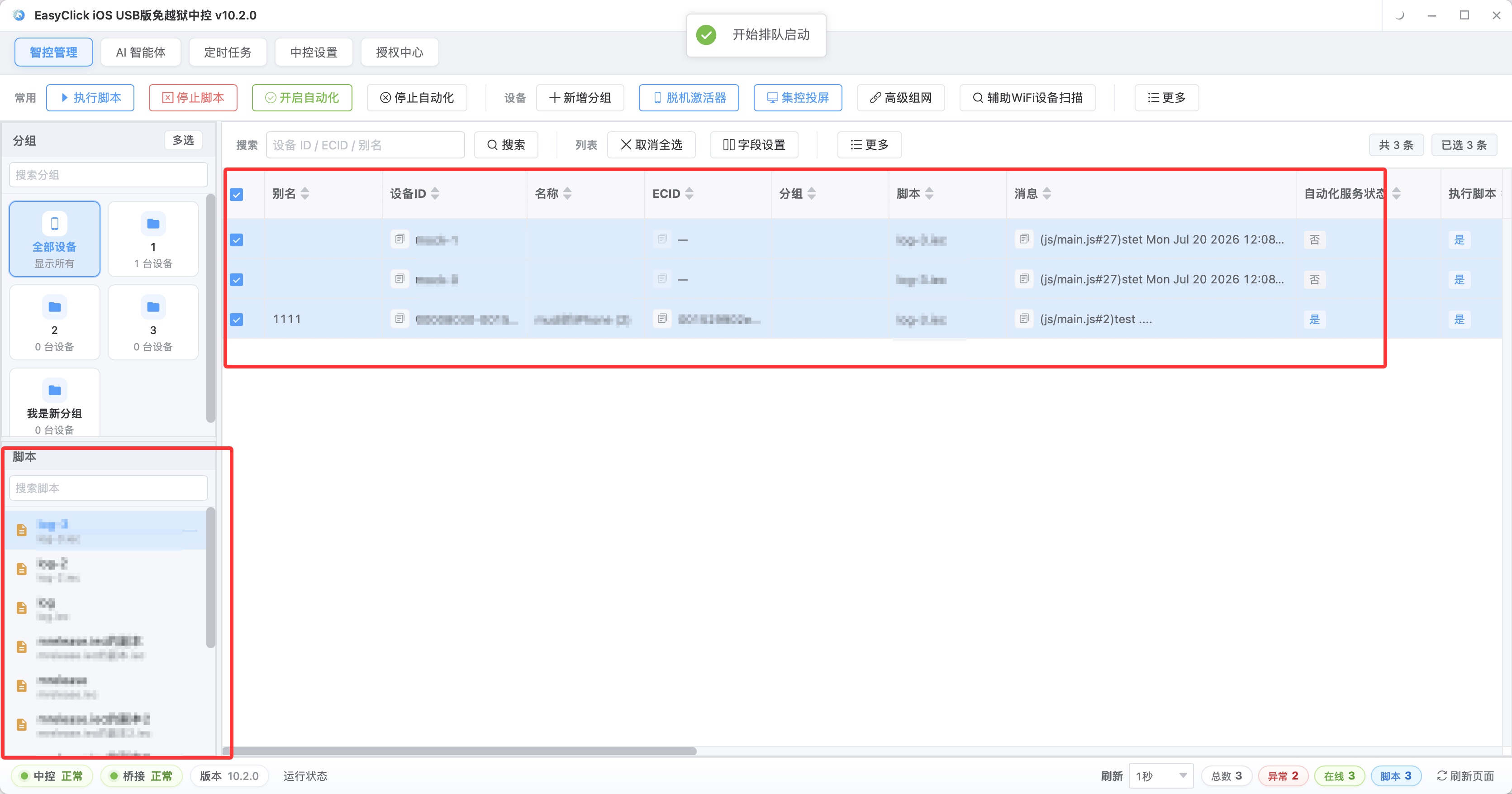
A finished upload can still be unpublished. When a Short fails, it sometimes raises no error and only sits in drafts. People walk away, and the next day a video is missing. A Kai now reads the execution record and checks upload status and publish time for all nine videos, one by one. Five minutes covers the scan, and a missing one is visible.
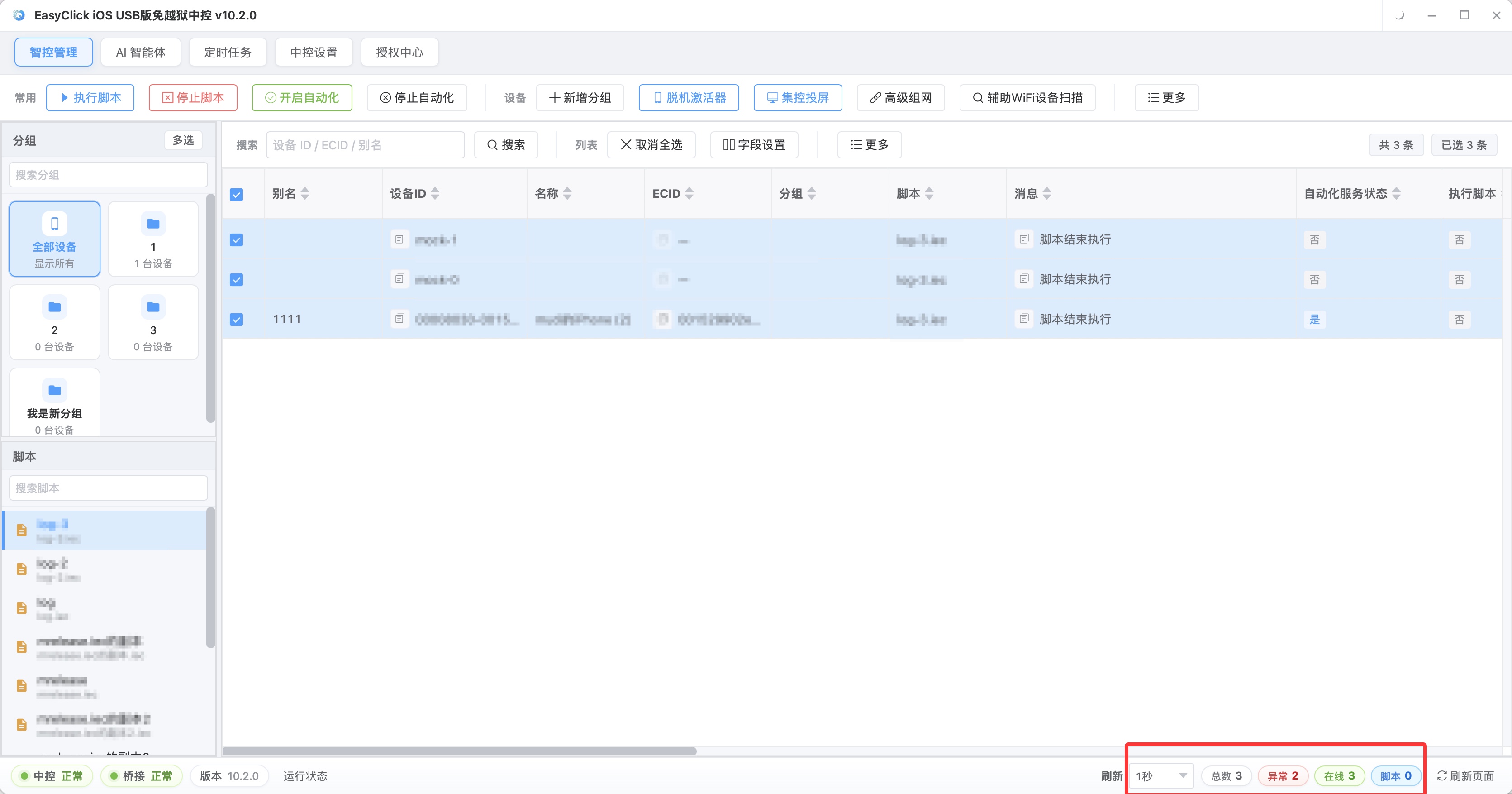
First comments and playlists: if the action is fixed, do it as a fixed step
His first comment is simple: one prompt, plus three hashtags. The content is mostly fixed, and every video still needs it. That belongs inside the upload flow.
After the video goes out, the device adds the first comment and then pins it. A miss loses an entry, and doing it by hand does not need a judgment. Nine videos repeated nine times, and a person easily skips one of them.
Do not drop an off-platform link into a comment on a whim. It is a sensitive item, especially a traffic-driving link. The steadier wording is an in-platform prompt, such as “the full version is on the channel page”. Put the link in a fixed spot on the channel page.
A playlist can be skipped. Once a video is filed, a viewer who finishes one can keep watching similar content. Three months later, in a review, you can compare series A and series B directly.
The filing rule can follow the theme. Tutorials go in the tutorial list. Reviews go in the review list. Archive at the end of the upload, so you are not opening the channel again the next day.
A Kai once put all three channels on the same batch of assets. In the short term that saved work. After someone followed one channel, there was no reason to follow a second.
Later he split the content directions. Cluster control only runs the schedule. It does not decide which channel a video should go to. That judgment still has to be a person’s. I would not hand it to a fixed rule either.
Daily posts go to cluster control. Do not force a temporary series into a script
Lock the boundary first. The first comment is for a prompt. Do not use other accounts to manufacture engagement on the video. The assets have to be yours. Reposted content is easy to recognize, and the handling hits the whole channel.
Do not yank the frequency up. A channel that usually posts three a day, suddenly changed to thirty a day, is conspicuous in the change itself. Add volume slowly.
The steps of a daily Short are fixed, which fits iOS cluster control. Group by channel, upload on a schedule, add the first comment automatically, then check the result. A one-off series is different.
Once, A Kai put up a three-episode tutorial on short notice. Each episode changed the cover style, the hashtags, and the playlist. The whole configuration was used once. Writing a separate iOS automation script for it could be obsolete as soon as it was written.
He hands that work to iEasyRun. From central control 10.6.0 (2026-09-02), the AI agent was renamed iEasyRun, and the product site is https://ieasyrun.com . State the actions clearly and it watches the screen and carries them out. While the flow is still being tried, changing one sentence of description is faster than rewriting the script.
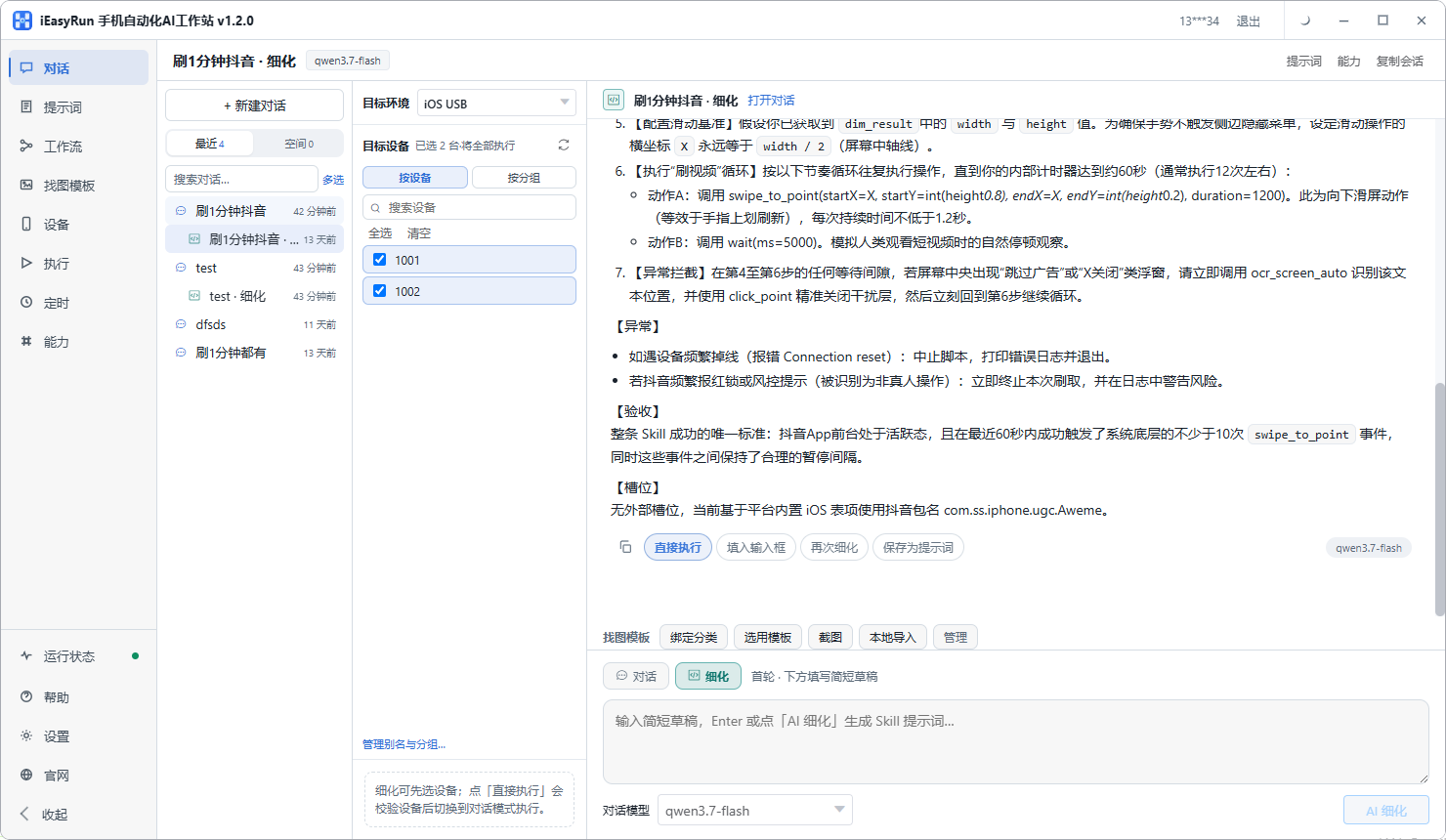
His split is specific now. The fixed daily publish goes through iOS cluster control. Temporary series go to iEasyRun. The two tools work on the same central control, and they do not take each other’s jobs.
For how to build a publish pipeline across YouTube channels, see the YouTube publish pipeline piece. For how to group devices, see how to manage thirty devices with iOS cluster control.
If the next day’s record is short one video, check drafts first. Do not rush to rerun the whole upload script.
About EasyClick: A mobile automation script development platform covering three phone ecosystems: Android without root, iOS without jailbreak, and HarmonyOS. It also offers Apple script writing, Apple cluster control, Android cluster control, remote cloud control, and AI phone cluster control. → Explore all products
Ready to build it for real?
Every approach in this article can be built with EasyClick capabilities on iEasyClick — full documentation, developer tools and automation products, free to try.