The price is updated, and the customer still sees the old number.
About eighty percent of the time, the edit hit the wrong level. A Catalog hangs under the account. One account, one catalog. Editing account A does not move account B.
Apple cluster control means one computer connected to many iPhones, screens watched together, tasks sent by group, results collected in one place, with no jailbreak the whole way.
Where the catalog entry is, and how to fill the seven fields
Find the entry first.
Catalog is Settings → Business tools → Catalog.
Quick Replies sit in the next tile: Settings → Business tools → Quick Replies.
The two sit next to each other, and they govern different things.
Catalog watches what you sell: which products are on the account, the price, whether they are in stock, and what the image looks like.
Quick Replies watch how you say it: quote, shipping, minimum order, and lead time, stored as one line each, and picked directly when you reply.
Know the fields before you fill them:
| Field | How to fill it | What a wrong fill does |
|---|---|---|
| Product name | One product name per line, no promotional words | Search will not match, and customers cannot find it |
| Price | Digits only, no currency symbol | It displays as an abnormal amount |
| Currency | Align with the settlement account’s currency | The quote and the payment do not match |
| Description | A few sentences on spec and material | Over-long text is cut, and the customer sees half a sentence |
| Product link | The product detail page URL | The customer lands on the store home page |
| Image | Square, clean background | A non-square image is cropped, and a corner of the subject is missing |
| Stock status | In stock or out of stock, one of the two | An out-of-stock item stays in the catalog and still gets price questions |
The image is the item that fails most easily.
A tall image gets cropped, and a corner of the subject is cut off.
Before a bulk dispatch, crop everything to a square. Otherwise, after eighty accounts finish, more than half need rework.
Prepare the asset sheet first. Do not dispatch as soon as you sit down
The work of bulk maintenance is in the preparation, and the execution is the smaller part.
Pull product information into one sheet first: SKU, name, price, currency, description, image file name, one product per row.
Product information scattered through chat history will eventually be wrong.
Once the sheet is ready, run the full flow on two devices. Do not go to eighty yet.
If those two can get through, then see which field they stall on.
Problems that show up at listing are basically three: the image spec is wrong, the currency is wrong, and the description is cut because it is too long.
All three are visible in the small-batch stage.
Group only after that run succeeds.
Eighty accounts in four groups, twenty devices each.
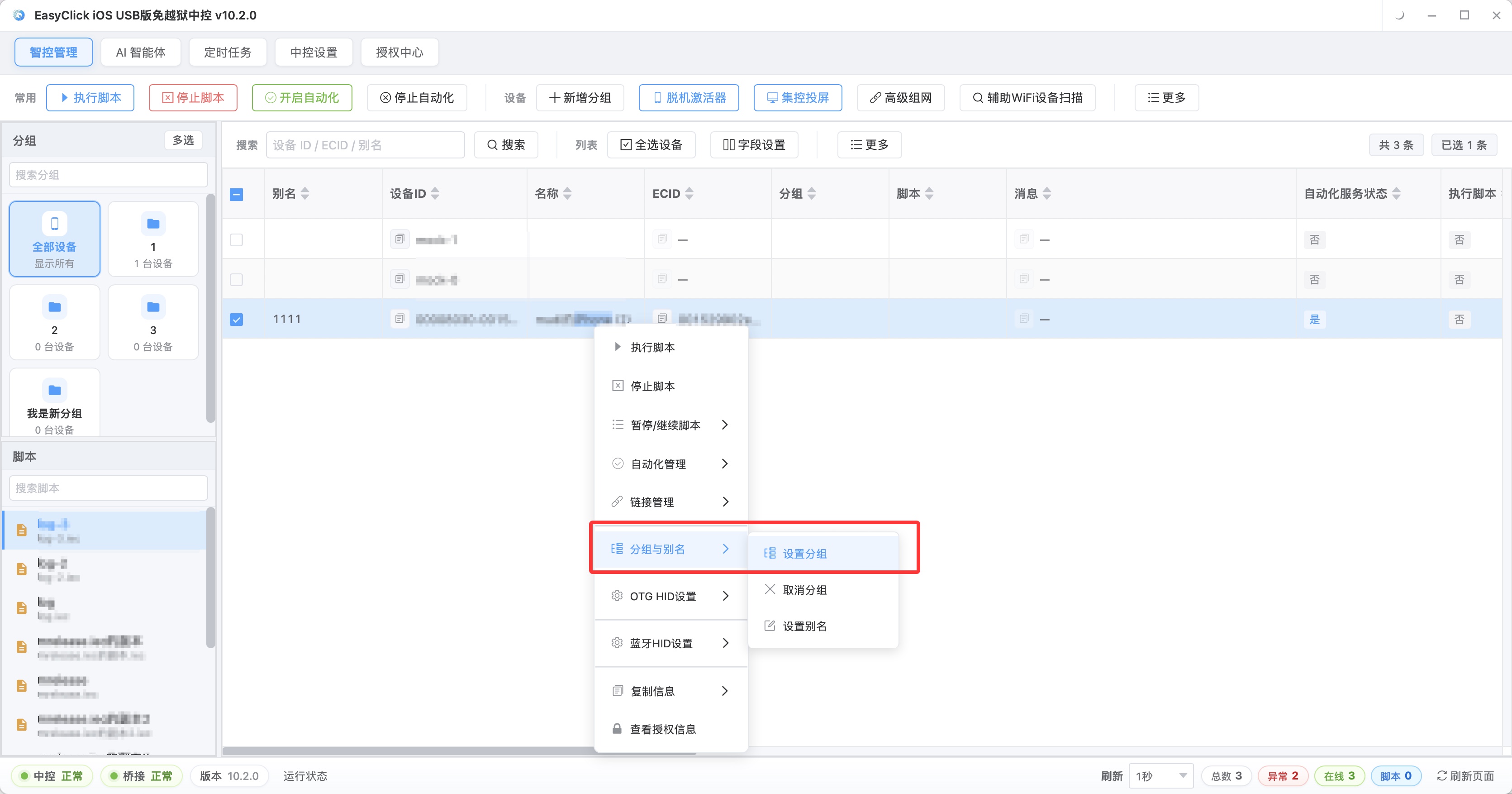
Grouping is for locating failures. Everything in one screen, and you cannot tell which device stalled. Split into four groups, and a problem group is visible at a glance.
How many devices in one batch, and how to clear a stall
Do not get greedy with concurrency.
Eighty devices on one computer, and USB bandwidth and screen refresh give out first.
Twenty devices in a group, started 30 to 60 seconds apart, runs the most steadily.
If a device shows busy, do not rush to send again.
Tasks in the queue wait until it finishes. A status that is stuck and not moving gets pulled out on its own, and that one device is run again.
While the batch runs, support handles messages at the same time.
Standard questions pick a scripted line. Anything that needs a conversation, you take yourself.
Price, shipping, minimum order, and lead time: a machine is steadier than a person. Bargaining, complaints, returns, and chasing an order go to a person.
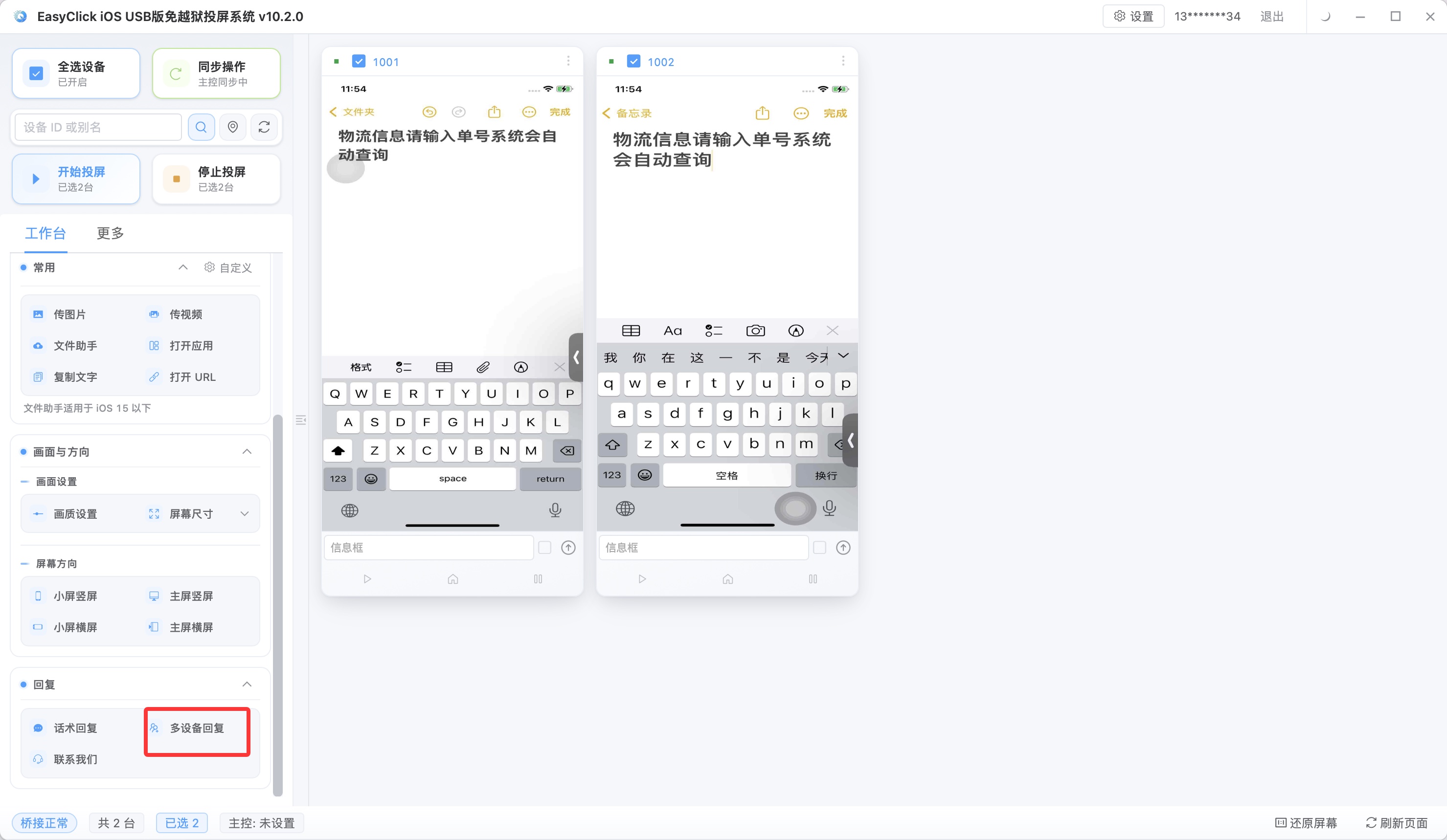
Last month this was set up once at a client’s warehouse.
Four Quick Replies, done in ten minutes.
Before that, just aligning the wording took him two meetings.
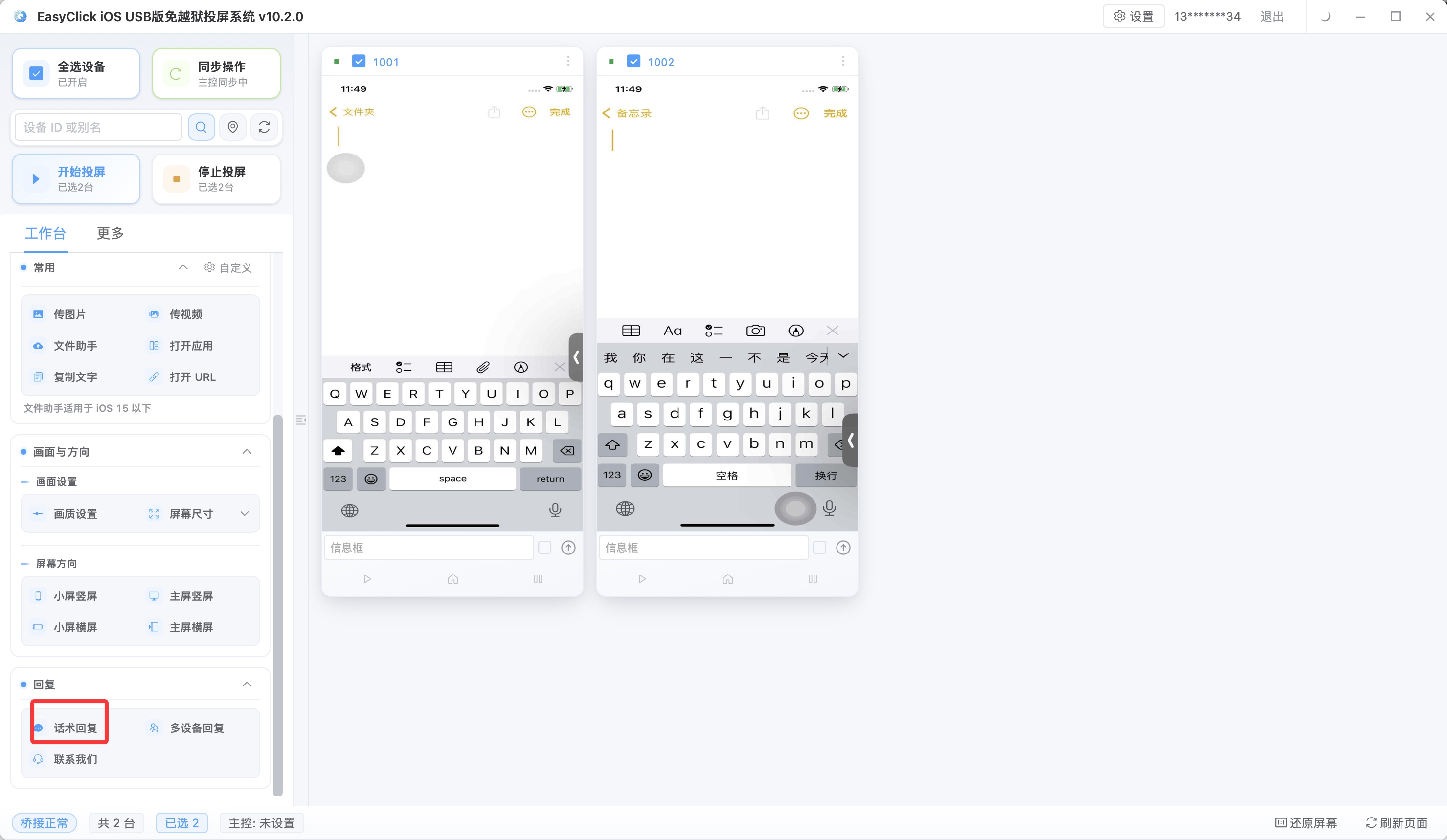
Quick Reply entry has one rule: one item per line.
Open the batch-entry box, first line is the first sentence, press Enter, and write the second sentence on the next line.
When you send, fill by device. Different accounts cover different regions, the shipping line differs, and each fills its own.
Do not mix sequential send and random send.
Lines with a progression (ask what they need, then give a plan) use sequential send.
Different wordings of the same kind of question (greetings, common Q&A) use random send.
After they are mixed, the replies a customer receives do not follow from one line to the next.
Error triage: work backward from the symptom
If a run fails, do not edit the script first.
Name the symptom, then work backward.
| Symptom | Where to look first | What to do |
|---|---|---|
| The product image will not upload | Image ratio and size | Crop to a square, compress under the limit, and upload again |
| The customer sees the old price | Which account this edit actually changed | A Catalog is per account. Check account by account |
| The script stops on a page and does not move | Whether the control is still there | Capture the control again and change the locator |
| The account is restricted | How often login switches | Spread across more devices, and each device only handles its own few |
| A few devices in a batch fail | Network and screen-on state of those devices | Rerun those alone. Do not rerun the whole batch |
The triage order is fixed: reproduce on one device, then the whole batch.
If one device passes and the batch does not, the problem is scheduling. If one device cannot pass, the problem is the script.
Fixed work that runs every day is written as a script and dispatched by group.
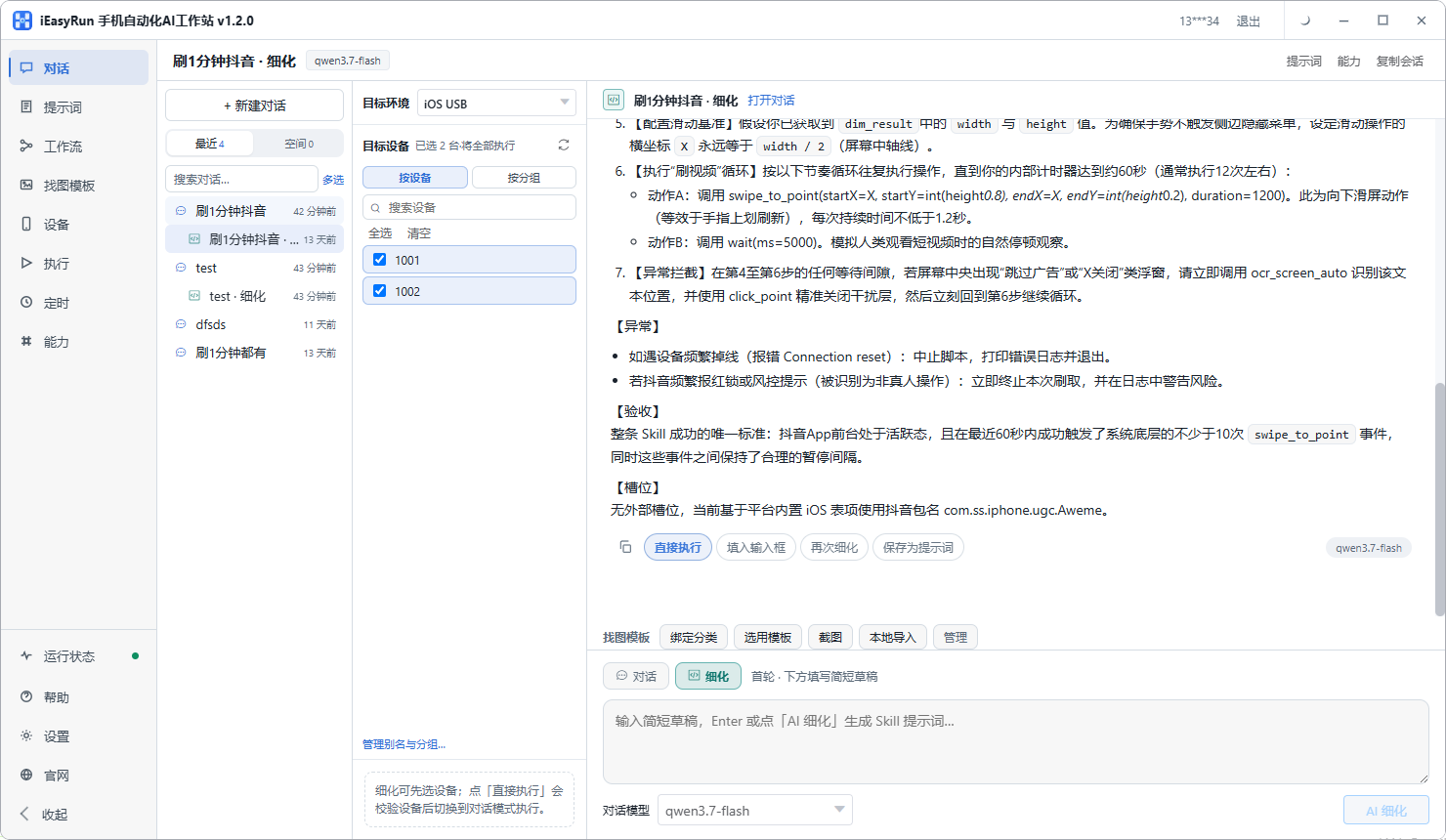
A catalog audit once a month means checking the products on eighty accounts against the back-office inventory sheet, looking at takedowns, price changes, and missing images. Writing an iOS automation script for that does not pay. Writing the script takes longer than doing it by hand.
Hand that work to iEasyRun. From central control 10.6.0 (2026-09-02), the AI agent was renamed iEasyRun, and the product site is https://ieasyrun.com . You do not write a script first. Say what needs doing, and it watches the screen and operates.
One-off work, low-frequency work, and work whose flow is still changing are less effort this way than as a script.
There are three lines.
What is in the catalog has to be real. Bulk maintenance can be fast, and it still cannot be filled with fakes. Quick Replies answer messages. Do not use them to inflate engagement or thicken the message count. Do not switch logins at high frequency in a short window. Eighty accounts jammed onto one device, switching back and forth, is an abnormal pattern on its own.
Prepare the assets a day ahead, dispatch in four groups at night, look at the results the next morning, and rerun the few that failed.
Two directions from here: WhatsApp in stages covers how WhatsApp is used overall, and iOS screen mirroring without jailbreak covers how to put many device screens on one display.
About EasyClick: A mobile automation script development platform covering three phone ecosystems: Android without root, iOS without jailbreak, and HarmonyOS. It also offers Apple script writing, Apple cluster control, Android cluster control, remote cloud control, and AI phone cluster control. → Explore all products
Ready to build it for real?
Every approach in this article can be built with EasyClick capabilities on iEasyClick — full documentation, developer tools and automation products, free to try.