Last month at a client’s site, Xia Xia had phones spread across the table. Thirty iPhones, thirty Instagram accounts. One round at 7 a.m., one at noon, one more at 8 p.m. Ninety publish actions a day.
She makes handmade jewelry. Three groups of accounts each do one job: finished pieces, the making process, and customer photos reshared. Picking the image, adding text, sticking a location, and placing hashtags all have to be confirmed every time. Doing it by hand takes her two hours. By the third round she can no longer remember what went out in the morning.
That is the hard part of managing Instagram Stories. A single post is light. The count is what presses. Apple cluster control takes exactly that stretch of work: one computer as the console, tasks dispatched in bulk, results collected. The iPhone does not need a jailbreak. On iOS 15 and later, the offline main program v7.2.0 or later can serve as the USB automation service, and the official download page has an IPA that is already signed. To sign it yourself, a personal developer account is 688 yuan a year, can bind 100 devices, supports iOS 12 and later, and the fee is for signing only. TrollStore supports iOS 15 through 16.6.1, and a restart drops the signature. From EC iOS USB 10.7.0 (2026-09-08), iOS 17 and later can use USB HID, with no board installed, and it is mutually exclusive with “start automation”. The offline edition supports iOS 15 and later only. From 7.0.0, a single-app setup installs only the main program, and a dual-app setup also signs the proxy IPA.
Ninety posts: split the clock first
A Story stays up for 24 hours. The feed can hang for a long time, and Reels need ongoing video. Stories depend on showing up every day. The content may be simple, and missing a day is obvious.
Xia Xia cuts the day into three times. Morning pushes that day’s main piece. Midday shows making details. Evening is a poll, a question, or a customer photo. Once that rhythm is fixed, she does not rethink the publish time every day. She schedules it the night before, and the next day it runs at the time.
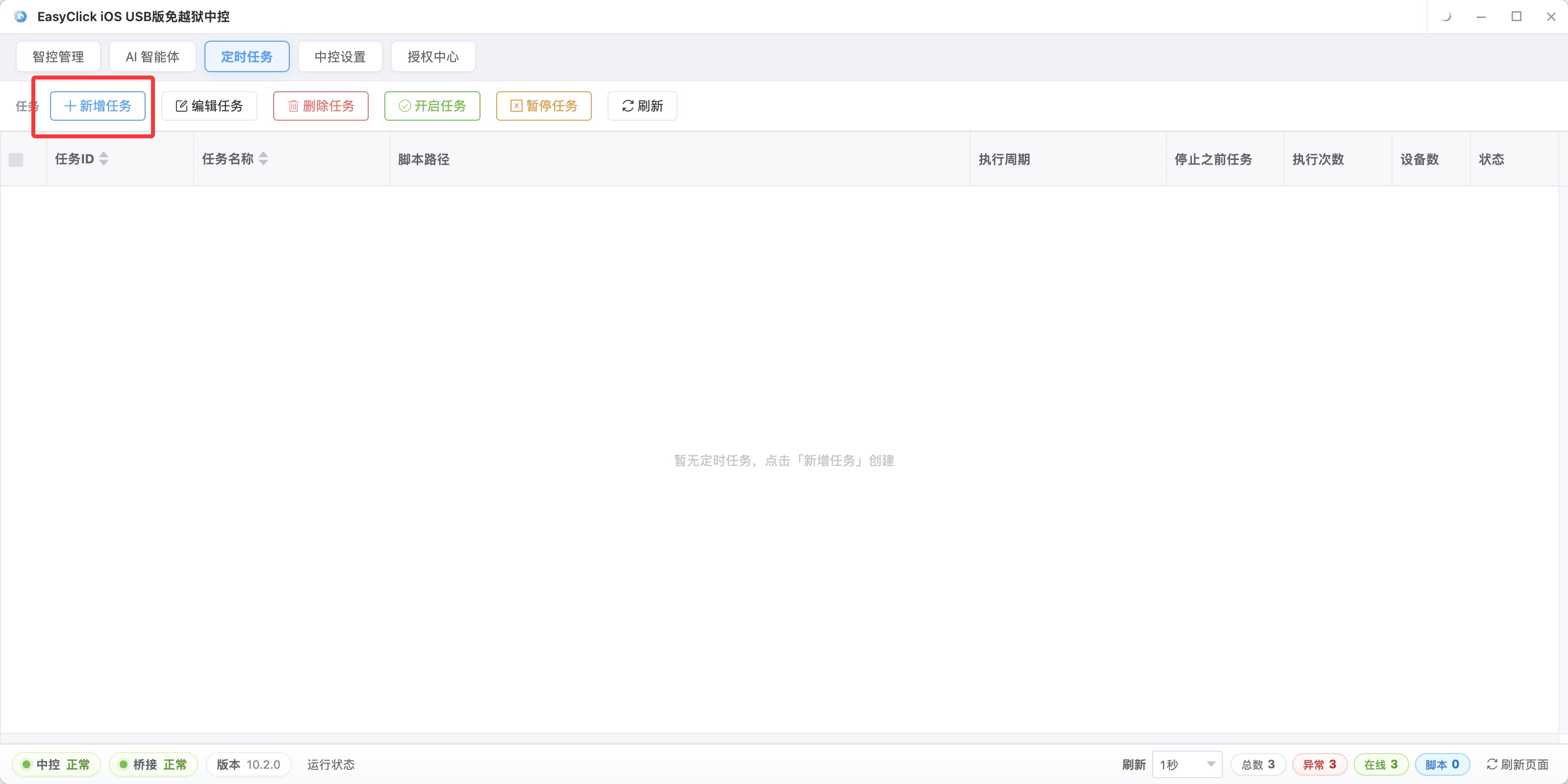
Can thirty accounts all fire on the hour? Do not do that. The same batch of accounts landing in the same minute is too neat. Xia Xia staggers the three groups, and each group is a few minutes apart again. Bulk Story posting still saves work, and the time spread is less rigid.
I ran into another snag at the time. The plan was set, and the assets got swapped at the last minute. A scheduled task will not decide which image is the better one. Swapping the image stays with the operator.
The same image should not go out twice unchanged
Xia Xia uses finished feed images for Stories, and she does not reshare them directly. She zooms the image and crops a detail. Then she overlays a handwritten line and drops a poll on it. The asset did not change. What the reader sees did.
Moving it across as-is saves ten-odd seconds, and it is also the fastest way to look like a repeat. Adding a layer of packaging costs a little more time. It is stronger than posting the same finished image twice.
Master-control mode can take the repeated actions. Do it once on the master device, and the other devices follow. Where something has to change, adjust device by device. Crude, and it saves hands.
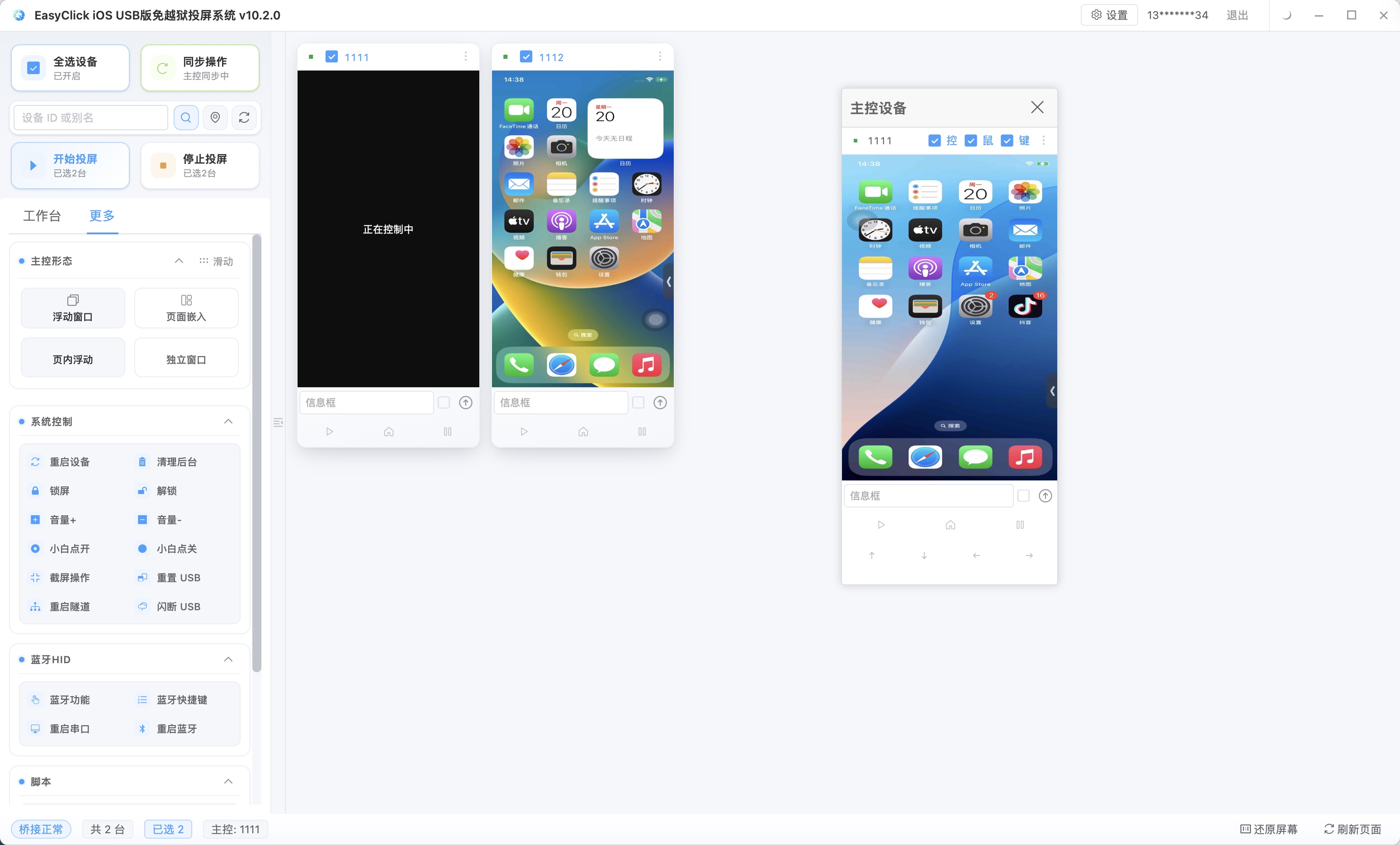
Location stickers follow the account. One account, one city, and the city name becomes a parameter filled per device. Set it once and you do not change it every day. Hashtags and text follow the content. The same batch of assets shares one set, and a new batch of assets gets a new set.
Do not mix those two. Mixing them does not raise an error. It posts the wrong city. Checking thirty accounts one by one is grinding.
Customer photos are a different case. They have to go out the day they arrive, and they cannot wait for the next day’s fixed task. Holiday campaigns are the same. The copy may only be decided on site, and forcing it into a long-running script costs more effort.
Xia Xia hands that ad-hoc work to iEasyRun. From EC iOS 10.6.0 (2026-09-02), the AI agent was upgraded into this product, at https://ieasyrun.com . She states what to do and lets it watch the screen and operate. Adding one Story on the spot is usually faster as one sentence than as a script written first.
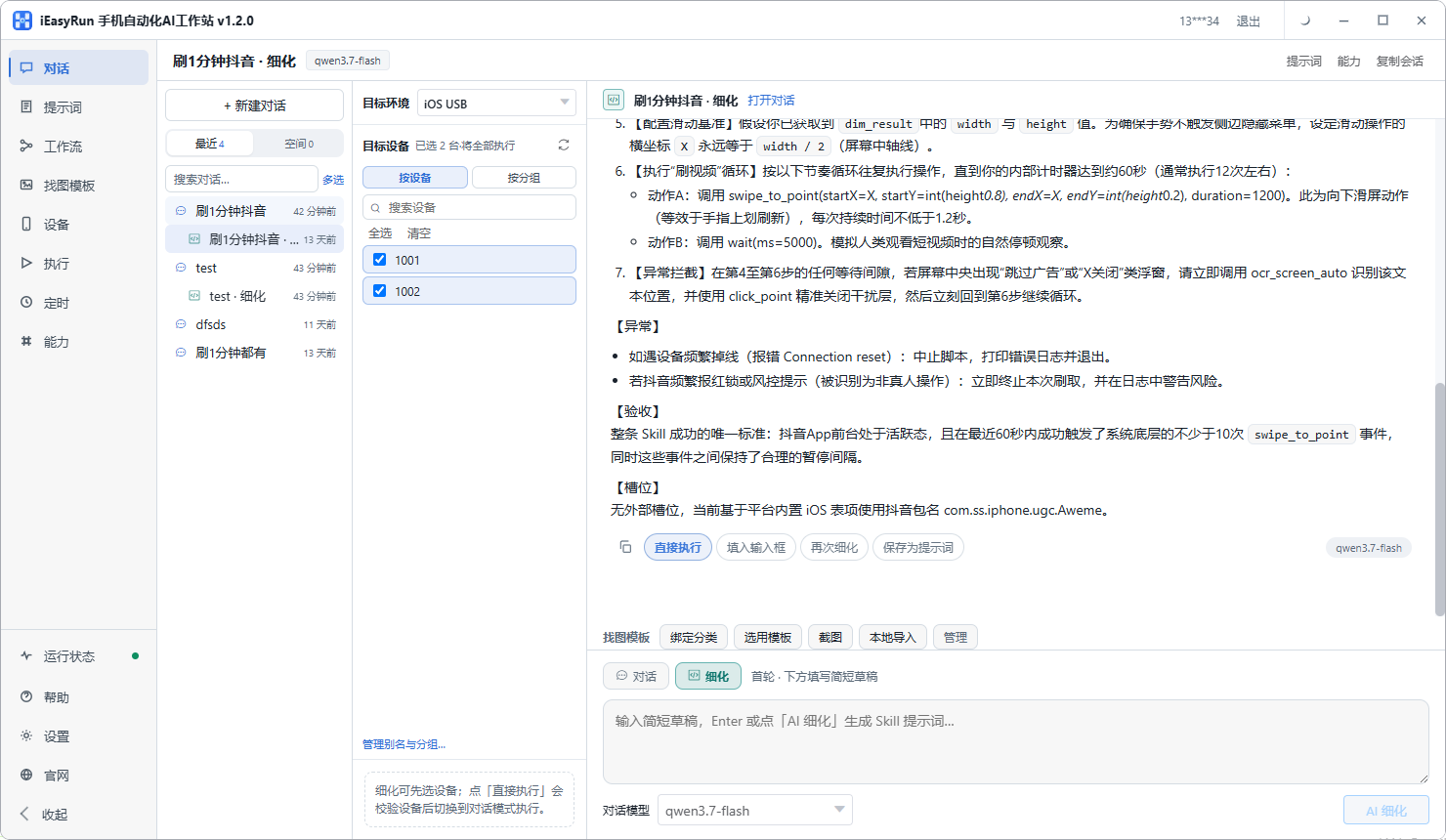
The fixed three go through iOS cluster control. Campaign Stories and sudden topics go to iEasyRun. Both approaches can land on the same batch of phones, and the split should stay straight.
Twelve fewer accounts, and the data got steadier
She has been down this path. Thirty accounts posted three times a day on schedule, and the images looked more and more alike. The text sat on the same template. Interaction did not rise, and it dropped a little. Later she cut the accounts from thirty to eighteen and kept only the ones that got a response. At least one post a day is something she shoots herself, outside the fixed flow. Twelve fewer accounts, less time spent checking, and the content is less rigid.
Story archives cannot be skipped. After 24 hours the content disappears, and the people who viewed it and the replies that came in still explain what happened. She looks every few days: which kind of image got a reply, which poll nobody tapped. If the data is weak, she changes it, and she does not wrestle the template.
For how an Instagram matrix splits accounts, continue with how to schedule a multi-platform matrix in one place. For putting many devices on one screen, see iOS screen mirroring without jailbreak.
She now watches one judgment: if the content still has to change on the spot the next day, keep it out of the fixed task.
About EasyClick: A mobile automation script development platform covering three phone ecosystems: Android without root, iOS without jailbreak, and HarmonyOS. It also offers Apple script writing, Apple cluster control, Android cluster control, remote cloud control, and AI phone cluster control. → Explore all products
Ready to build it for real?
Every approach in this article can be built with EasyClick capabilities on iEasyClick — full documentation, developer tools and automation products, free to try.