One TikTok account stays on one phone. The mapping is written in a table, and the script finds the phone by device name. A combination that is not on the table is not executed.
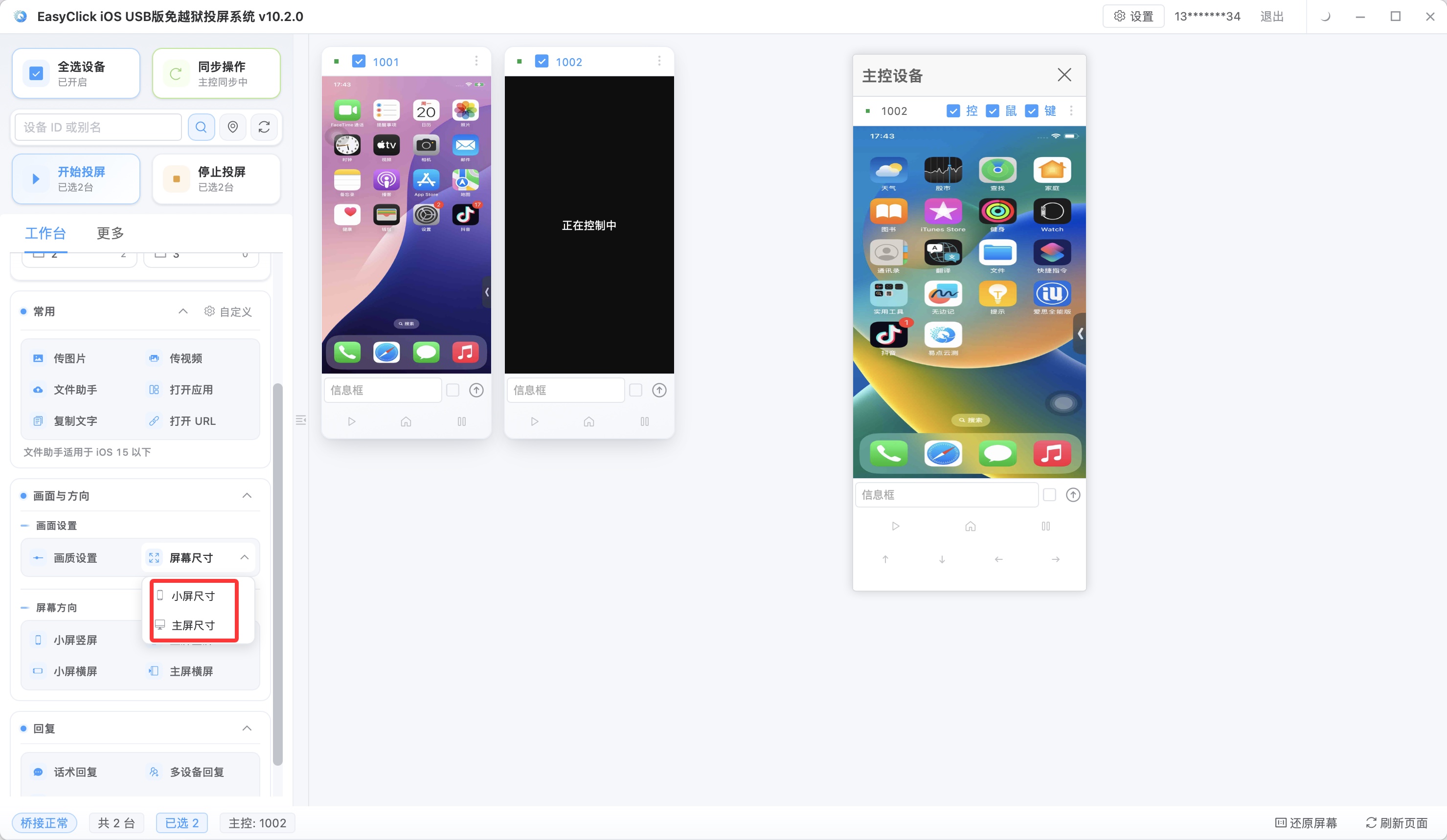
The columns are these:
| Device name | TikTok account | Bind date | Status | Path | Notes |
|---|---|---|---|---|---|
| Matches what the central control shows | The account signed in on this phone | The day it was written | In use or inactive | Start automation, or USB HID | Where the signature comes from |
Copy the device name from the central control. Do not invent a short name. Write the login name for the account. Status has only two usable values: in use, inactive.
When a new account arrives, add a row, fill the bind date with that day, and set the status to in use. That row’s device name cannot match the device name of another “in use” row. A phone that is already in use does not get a second account signed in.
When an account has to move from an old phone to a new phone, make two entries, both written the same day:
- Change the old row’s status to inactive, and write the inactive date and the new device name in the notes.
- Start a new row for the new phone, status in use, bind date set to that day.
Keep the old row. If you edit the old row’s device name straight to the new phone, later readers cannot see which machine this account was signed in on.
The path column is one of two. An iPhone set to “start automation” needs iOS 15 or later, and can install offline main program v7.2.0 or later. From 7.0.0, single-app installs only the main program. Dual-app also needs the proxy IPA. The pre-signed IPA on the official download page is for testing, and the notes say so. When you switch to signing with your own Apple developer account, an individual developer account is 688 yuan a year, up to 100 devices, supporting iOS 12 or later. That charge is the signing fee, and the note changes to “individual developer.”
An iPhone set to “USB HID” needs iOS 17 or later. The date of EC iOS USB 10.7.0 is 2026-09-08. This path needs no Bluetooth or OTG board, and it is mutually exclusive with “start automation.” If the path column says USB HID, do not tap start automation again on the same phone. Below iOS 17, do not write USB HID in this column.
Before running a script, check the table once: every name of an online device in the central control can be found on an “in use” row, and each device is found on only one row. A device that does not match stays out of the run. A person finishes editing the table, then it runs.
About EasyClick: A mobile automation script development platform covering three phone ecosystems: Android without root, iOS without jailbreak, and HarmonyOS. It also offers Apple script writing, Apple cluster control, Android cluster control, remote cloud control, and AI phone cluster control. → Explore all products
Ready to build it for real?
Every approach in this article can be built with EasyClick capabilities on iEasyClick — full documentation, developer tools and automation products, free to try.